
3d Kitchen is Powerful, Easy to operate Software that provides the best solutions available for Design, Costing and CNC Manufacturing, streamlining businesses in the cabinet making industry and virtually eliminating down time, you can increase your bottom line by choosing 3d Kitchen Software.



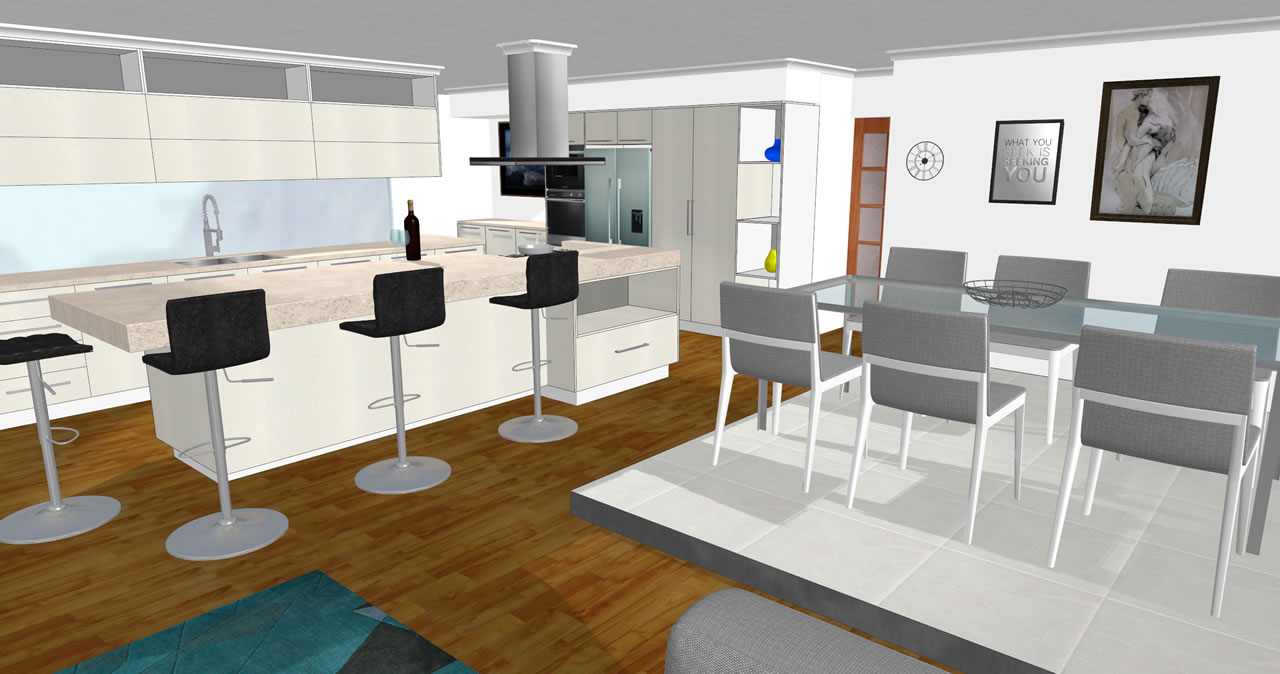
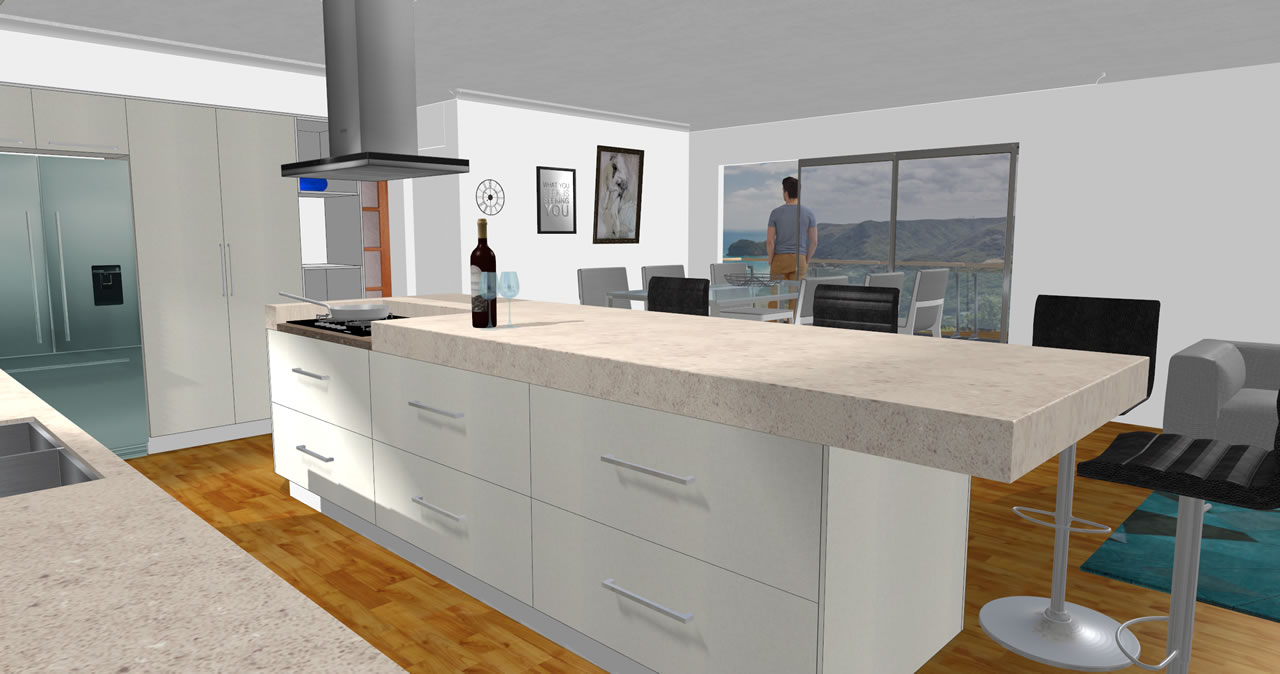
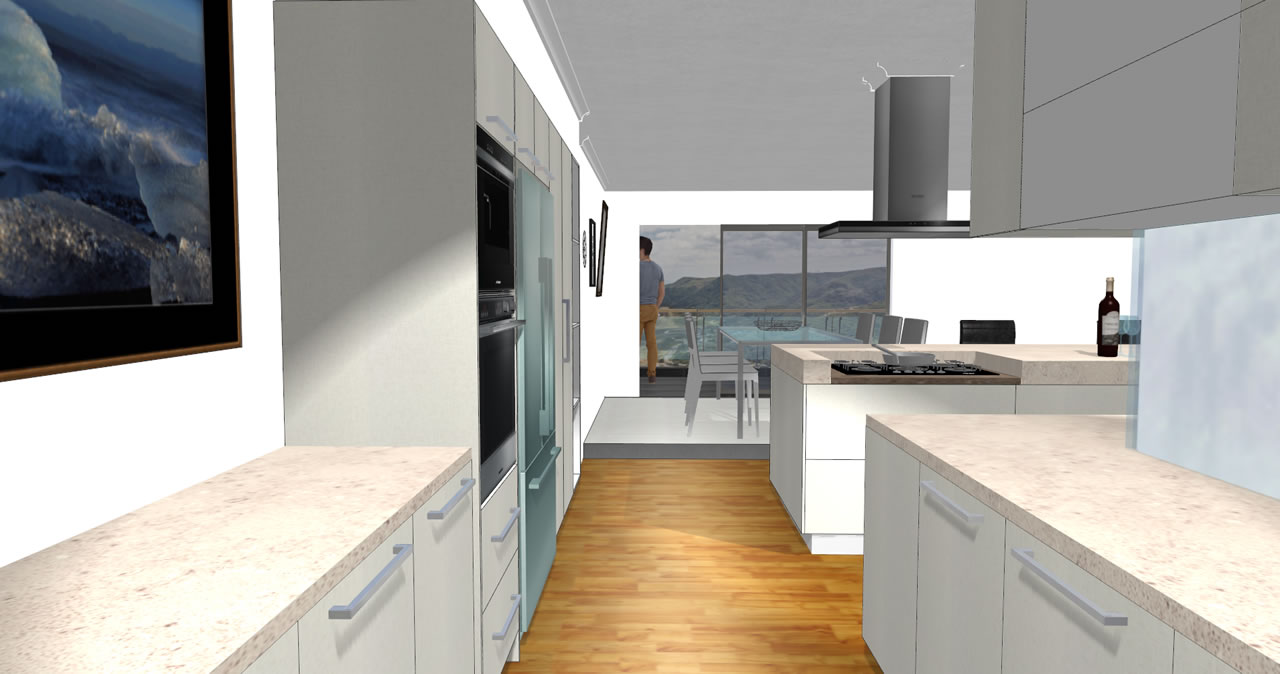
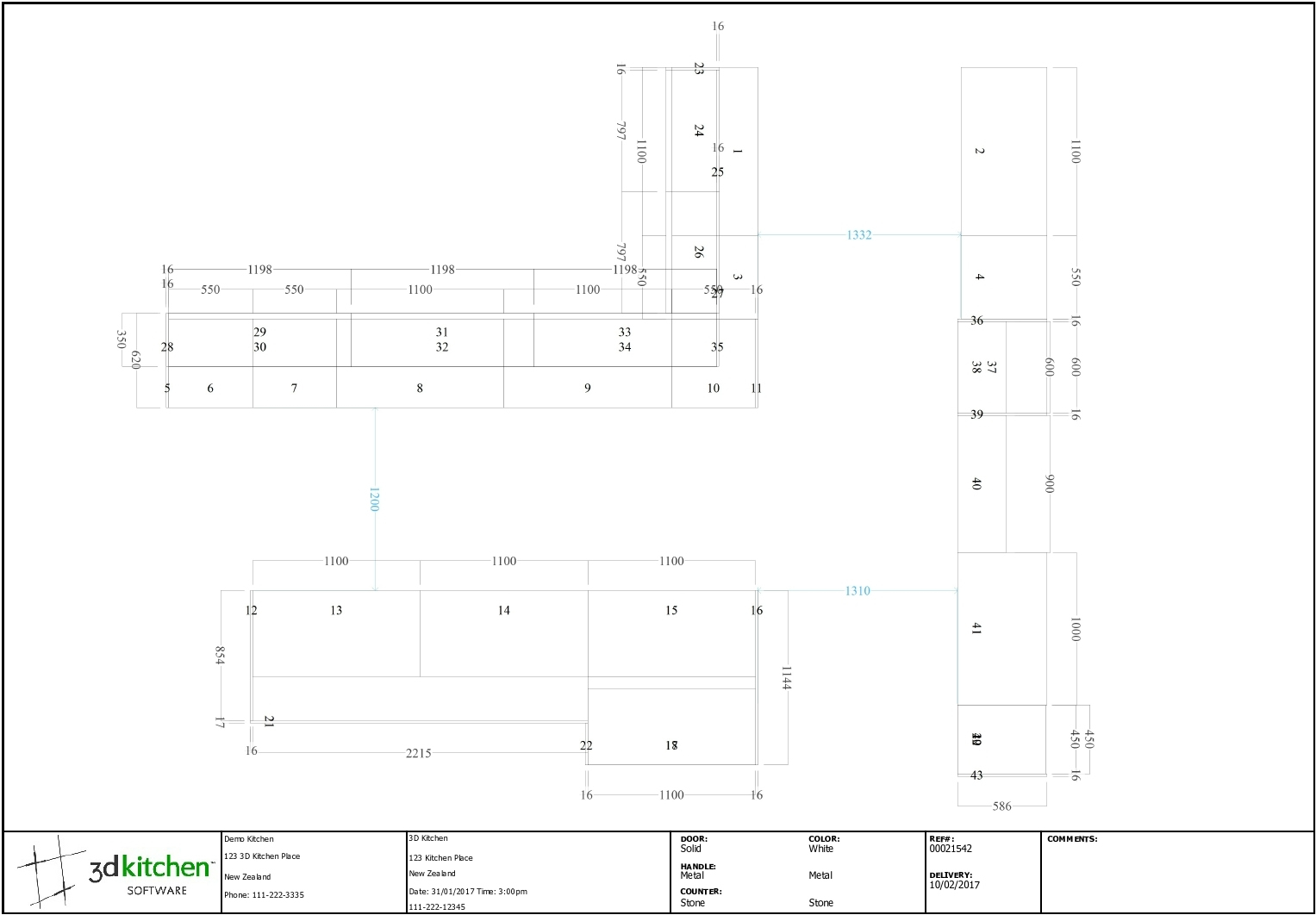
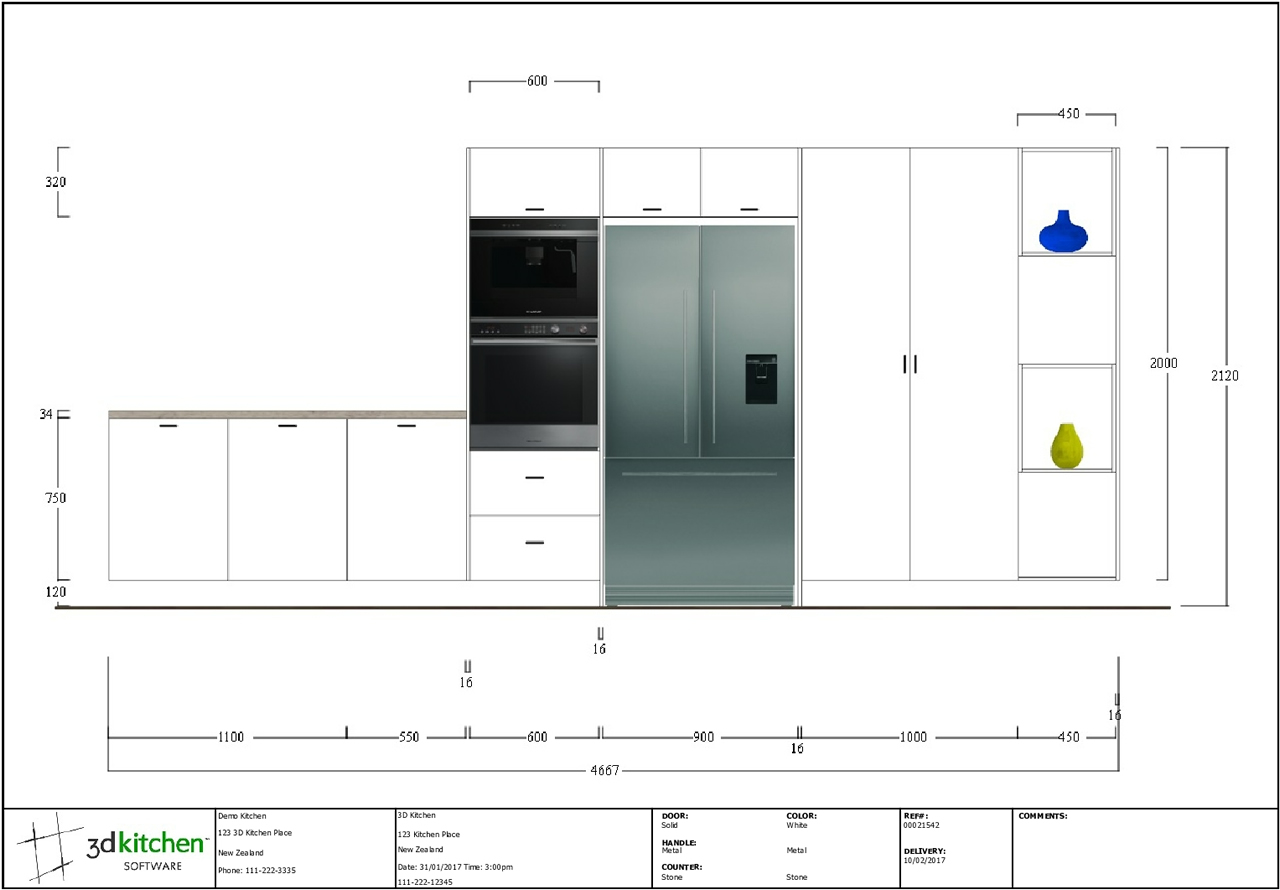
Pro - Design will produce your designs in a realistic full motion 3 Dimensional perspective, enhancing the customer approval process and providing accurate references for costing and manufacturing.
- Premium Cabinet Library constructed to your requirements.
- Cabinet Editor, gives you the ability to create your own custom cabinets.
- Floor Plans Accurate Bench Top and Kick Plans.
- Multi Page PDF Creator.
- Gives you the ability to save an entire job (2D Elevations, 3D Renders and Floor Plans) in to one easy to manage PDF file.
- Add text and arrows to floor plans 2d elevations and 3d renders.
- Add multiple images to a single page.
- Click Here for an example. (right click and click, Save Link As...)
- 2D Elevations.
- 3D Rendering with lighting and shading renders in seconds.
- 3D Handles.
- 3D Objects.
- Over 400 Cabinets pre-made plus the ability for you to construct any cabinet you require.
- Patterns Included;
- Melamine, Formica Meltecca, Marble textures.
- Plus you can add your own colours and textures.
- Extensive video help files for on screen tuition.
- Instruction Manual written in cabinet making terms.
- Software upgradeable as your business moves forward.
- Optional modular design costing.
- Free 12 months Full Technical Support & Customer Service.
- Free 3D Kitchen Pro Design upgrades for 6 months.
3D Kitchen Pro - Design Includes.
With our 3d Kitchen Pro Design package you can fully customize your setup to work the way that you want it, when you purchase 3d Kitchen Pro Design we will send you a document to fill out were you can tell us exactly how you construct your cabinetry eg. heights, depths, widths etc. so we can custom tailor your library so that when you receive your 3d Kitchen Pro Design package it is all ready to go and no need to modify anything unless you want or need to.
This process normally takes two days by the time we send you the documents and you send it back to us and then to delivery. Once you receive the product and start using it you may, or may not find that you need a cabinet that is not in your library, this can be done very fast and easily with the Cabinet Editor with free 12 months support you can contact us and we will assist you to create your first few cabinets, by the time you have made two or three you will easily be able to create them without our help.
3d Kitchen Pro Design is very fast and easy to learn, it has a large library of video tutorials to help you along if you need it.

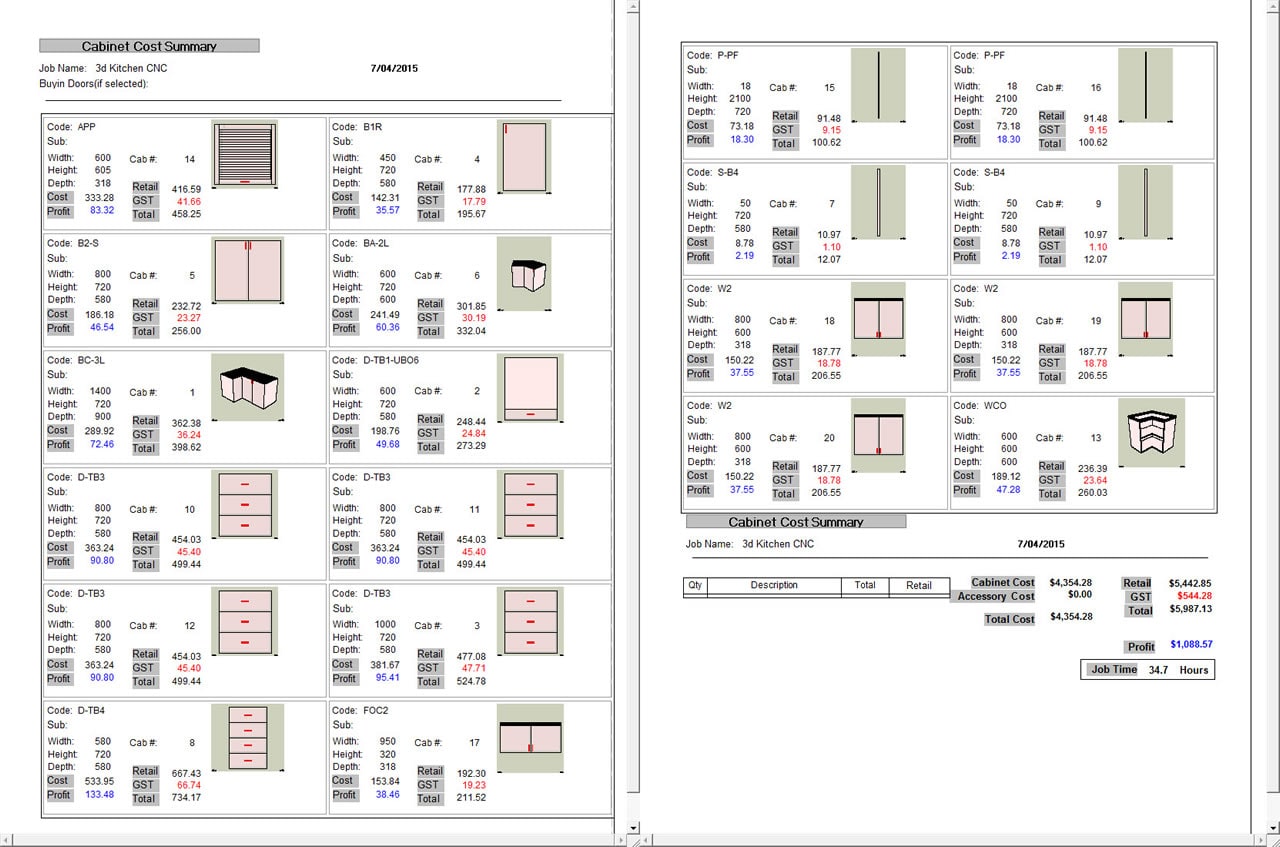
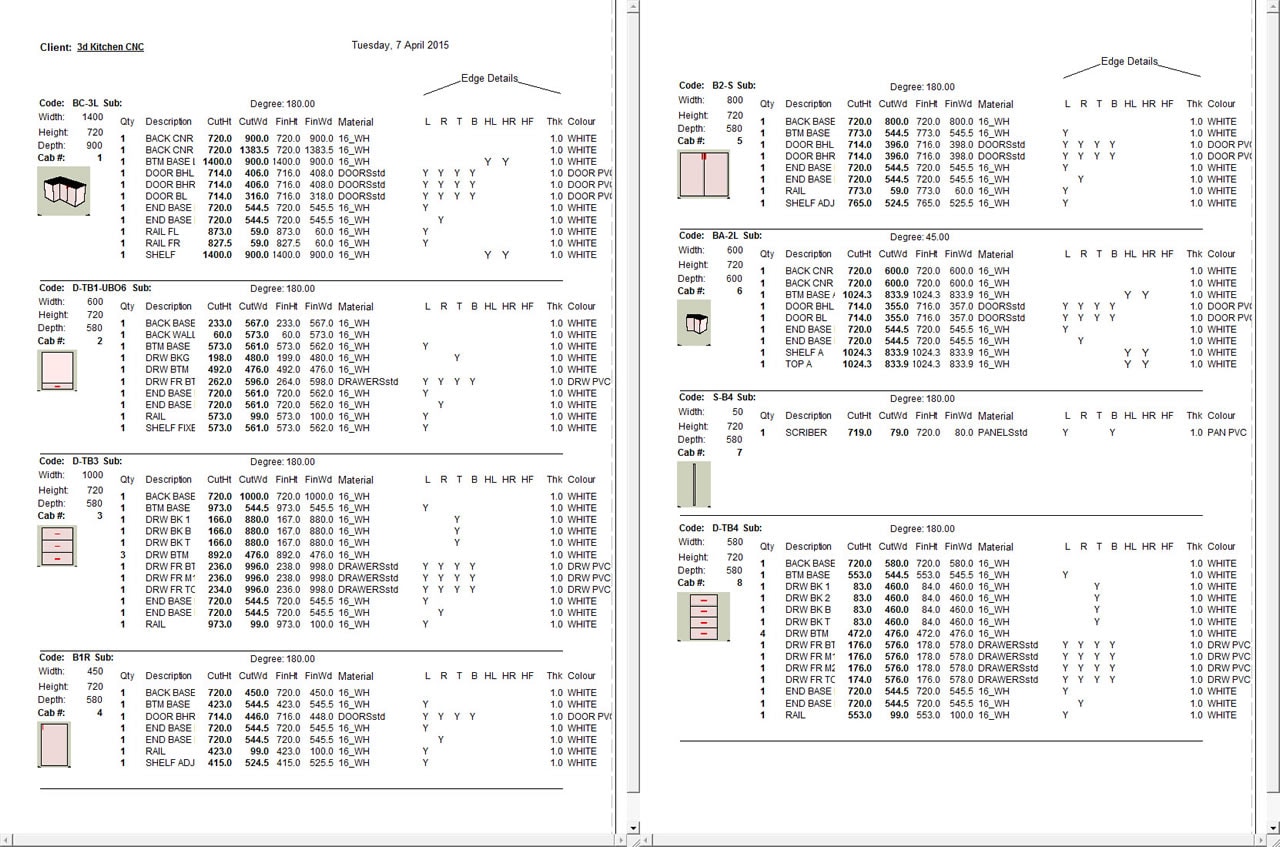
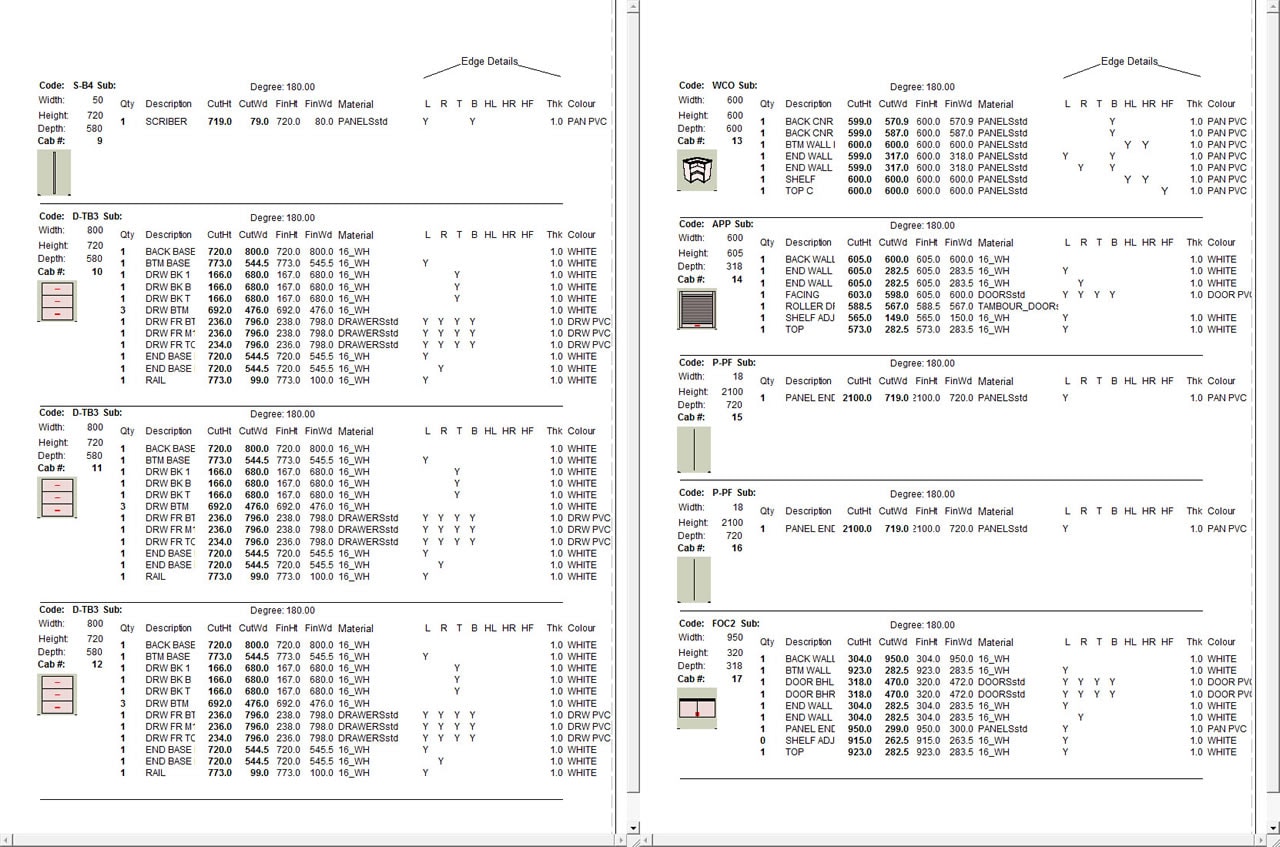
- All of the features of Pro Design plus these additional features
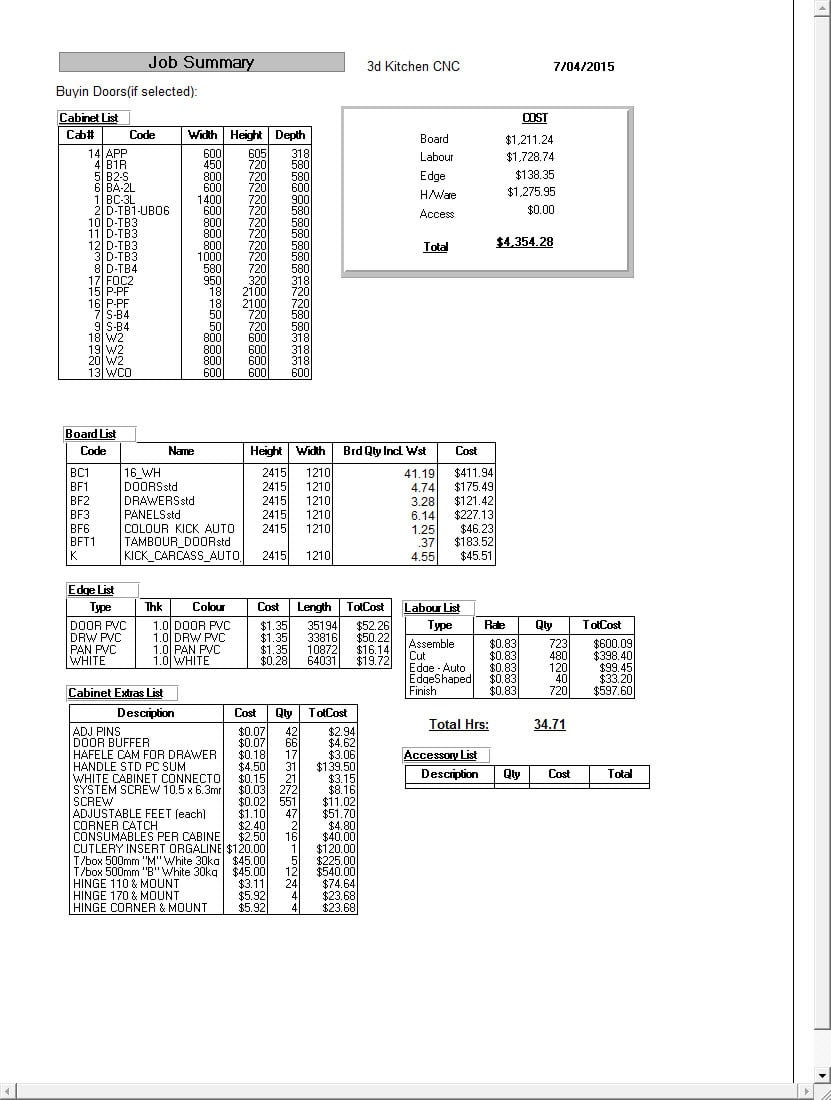
- All-in-one Costing Reports including labor quantity for your various Departments, Hardware quantity requirements, Board Material and Edge Tape quantity requirements. Client Printed Quotations.
- The software is pre-programmed to include all the necessary hardware products required for each job, including board material quantity, hinges, handles, drawer runners, screws, PVC, door buffers, cutlery trays etc. So nothing is missed. The labor content is broken into cutting, taping, assembly etc giving you accurate labor content for each job.
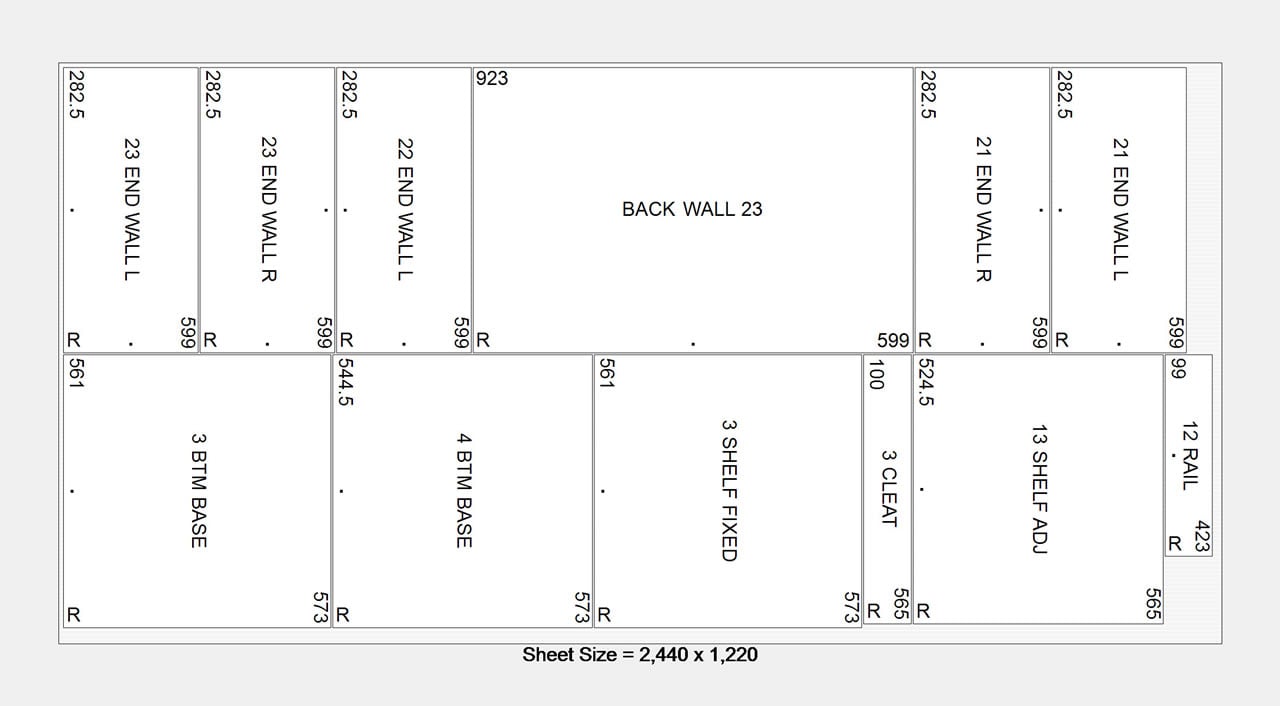
- Cutting Lists in multiple easy to read printable formats.
- When you vary cabinet sizes within a design, the cutting list automatically adjusts all components with 100% accuracy. Edge banding details are calculated which adjusts the cutting list to produce both finished and cut sizes and produces a separate report for "buy-in" doors.
- Cabinet Numbering System on Cutting Lists from Floor Plan.
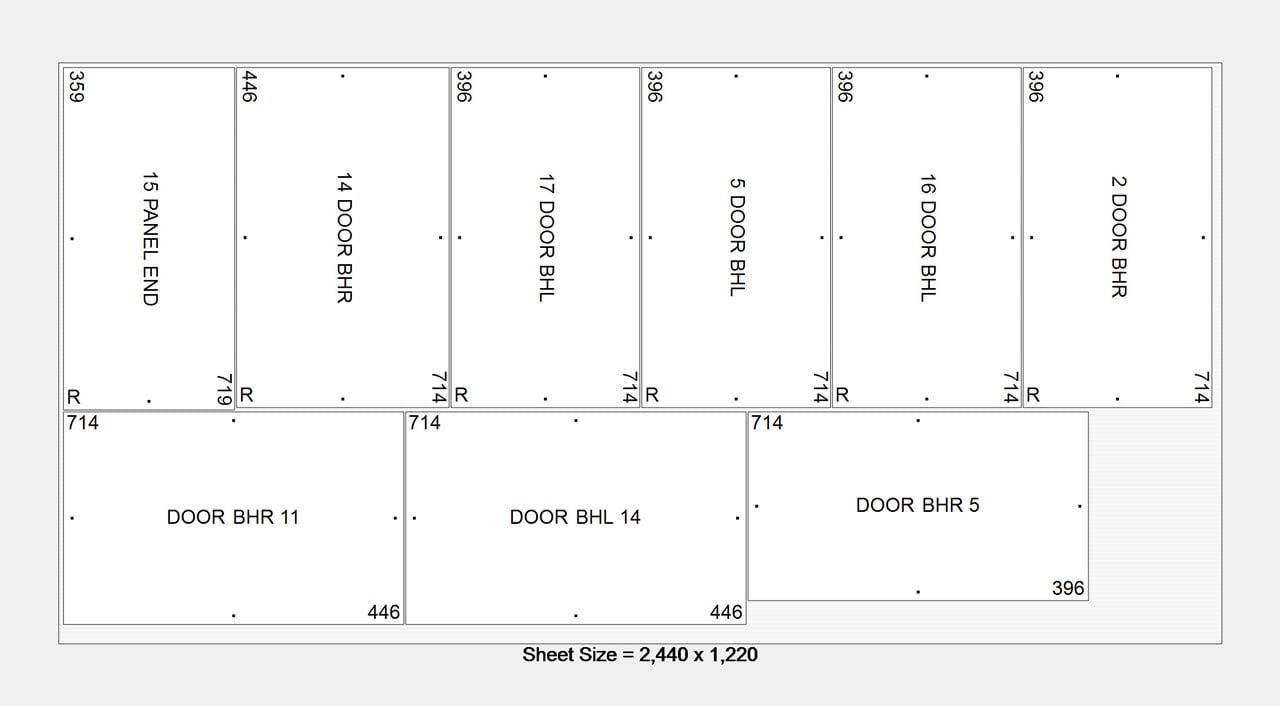
- High Quality Optimizer Handling All Requirements for calculating how to cut your panels from stock sheets.
- 3d Layout tells you the panel cut sizes and the most efficient way to cut the sheets out, including wood grain sheets. Labels can be printed for optimized parts. Edge detail and part dimensions are detailed on the drawings produced.
- Tailoring the software to your Exact Manufacturing Construction Specifications.
- More than 250 Cabinets setup during installation of your software.
- Cabinet Builder, allows you to add additional new cabinets to your Library even during the design process.
- Pre software setup at 3D’s Office
- Training Program dispatched prior for familiarisation of your software prior to one on one training.
- 1 Day one on one training.
- Extra training is available on clients request.
3D Kitchen Pro - Custom Includes.

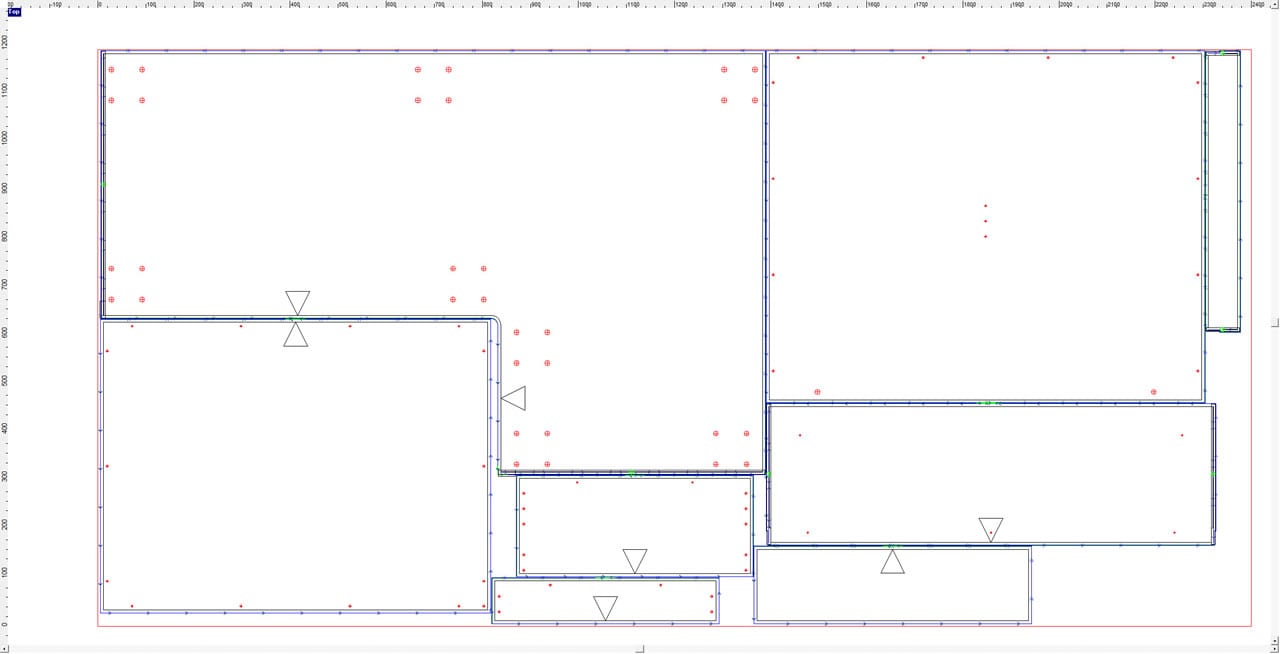
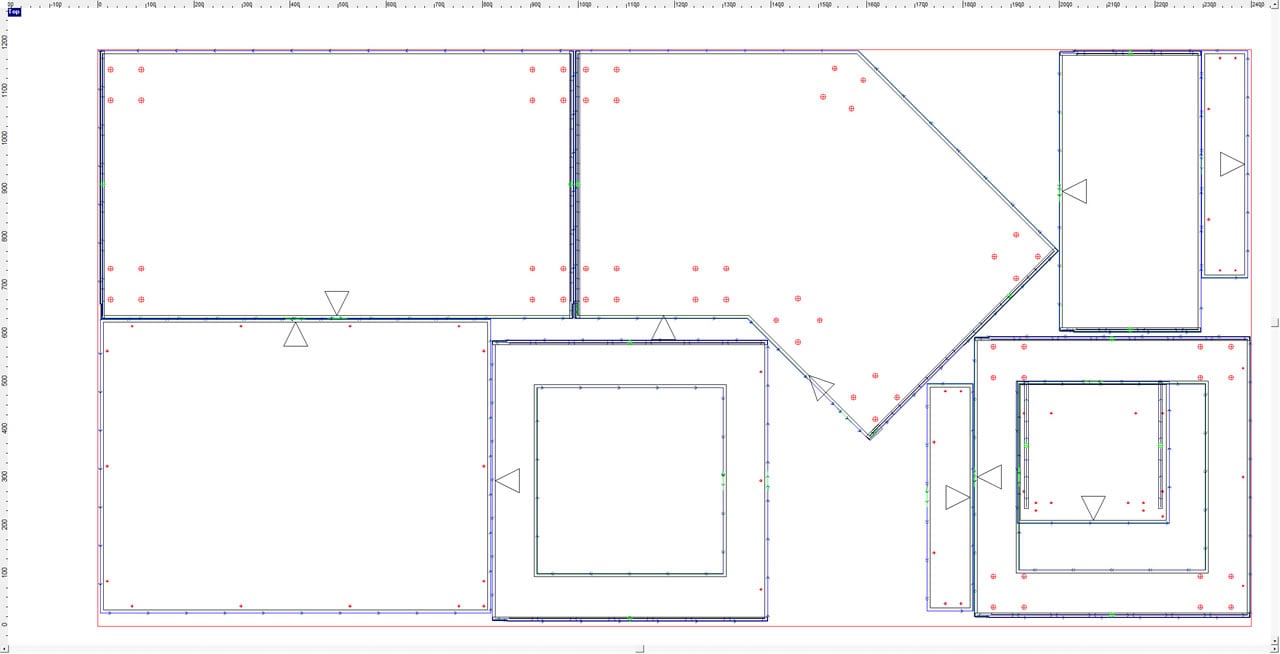
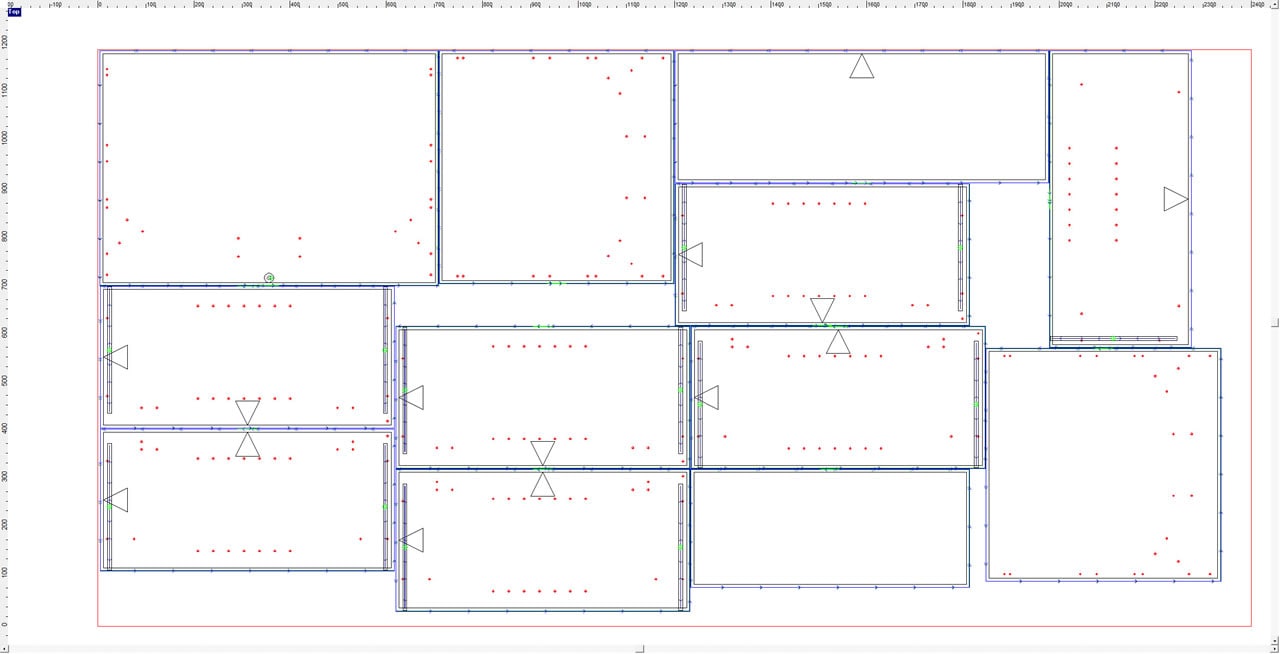
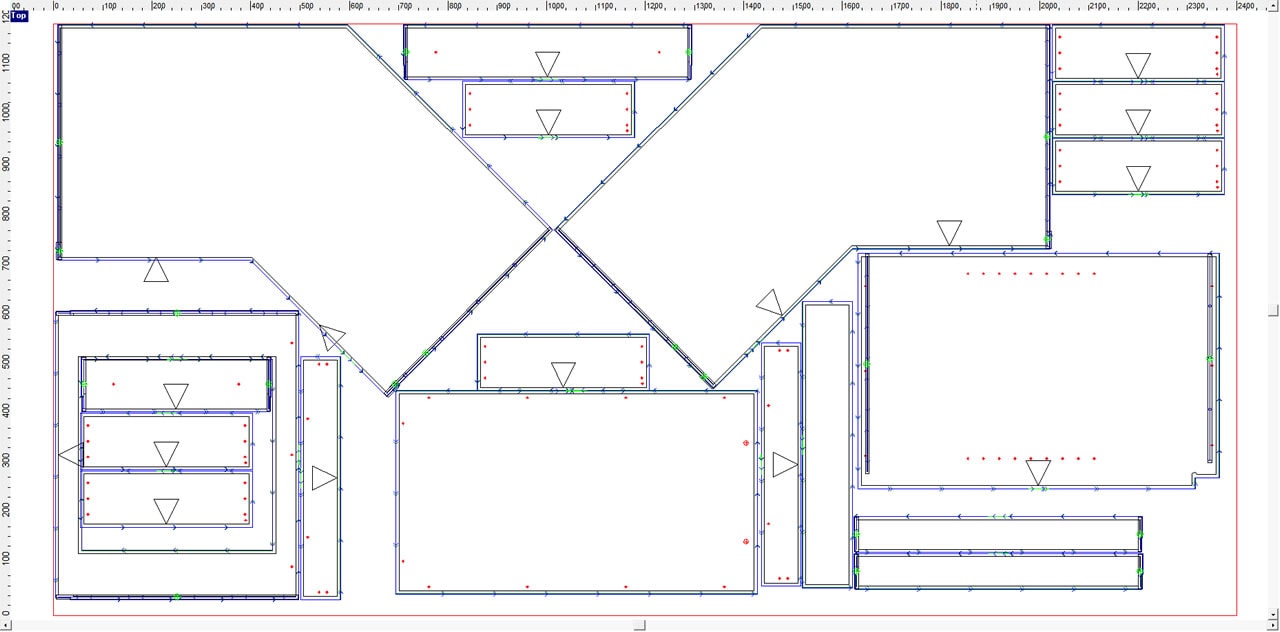
Pro ToolPath enables communication between your design and your CNC machinery, automatically producing Accurate Cutting, Shaping and Drilling details. This feature provides for "True-Shape" nesting, so gives you the best material yield. Does not include Pro - Design.
- Produces drilling, cutting and routing positions.
- Repositioning of holes in cabinet ends for any drawer type and any alteration in drawer front heights.
- Produces accurate shaped parts.
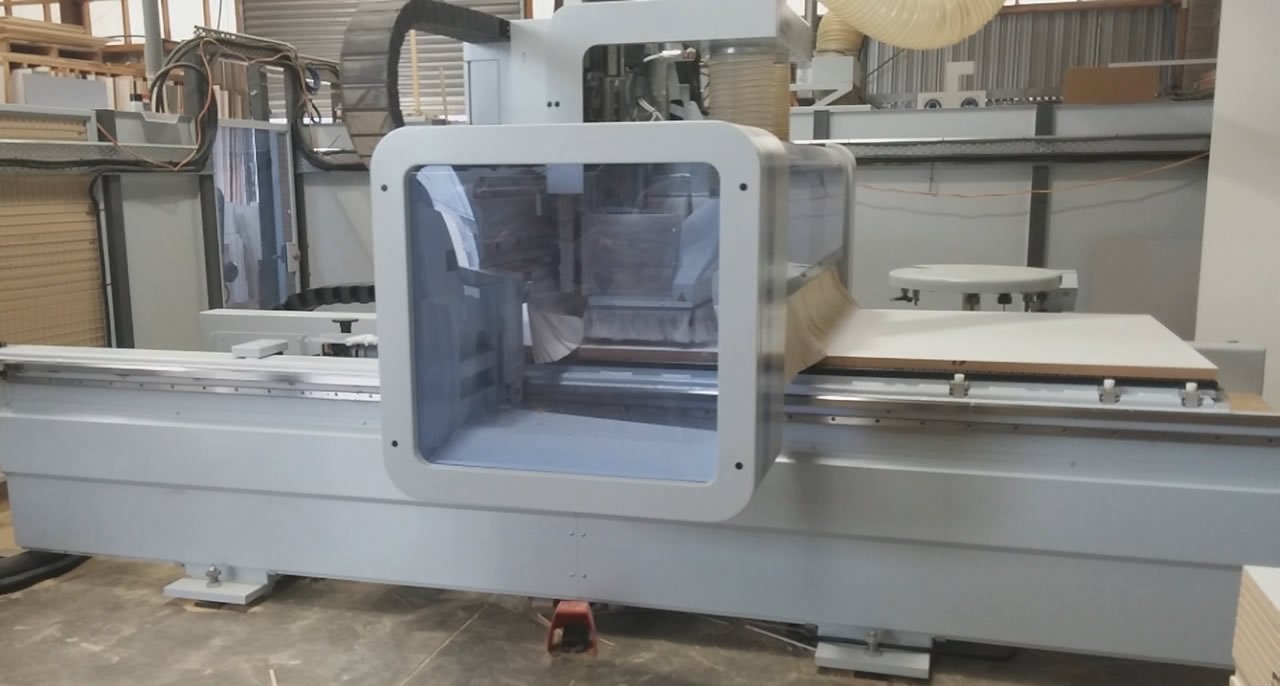
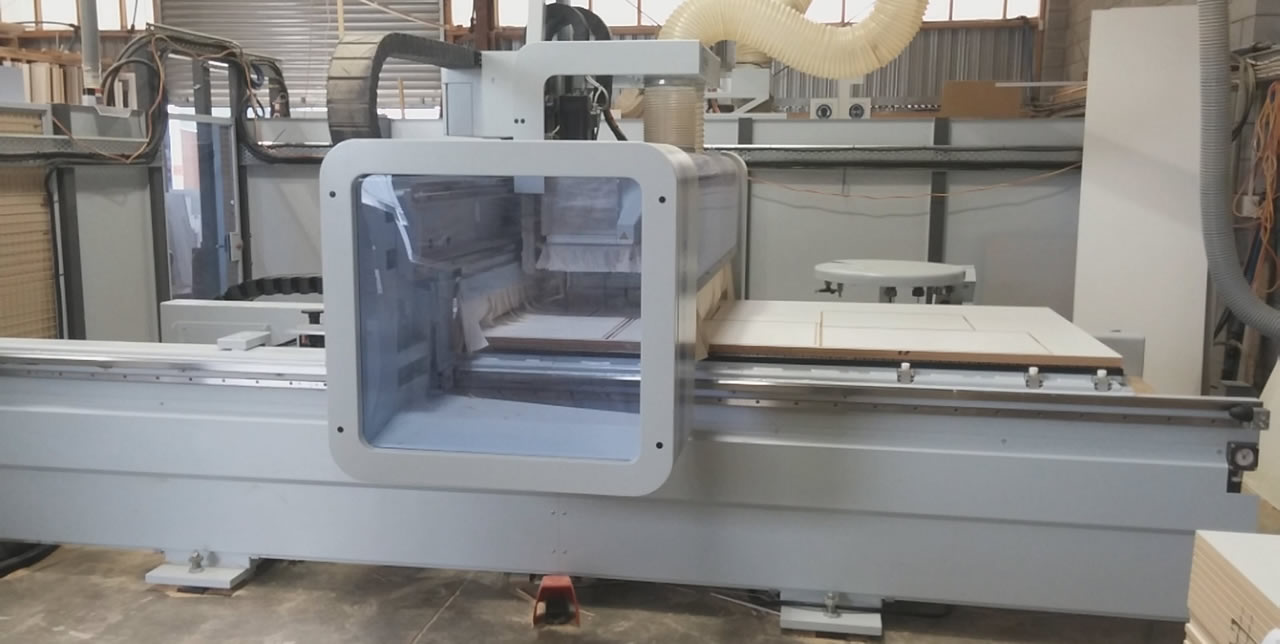
- Output direct to all CNC nesting machines with complete intuitive machining tool paths.
- All CNC output can be trapped and manually modified for any reason.
- Produces "True Shape" nesting to achieve the highest possible material yield.
3D Kitchen Pro - ToolPath Includes.
Pro ToolPath full specification document
Back to Top

Pro ToolPath enables communication between your design and your CNC machinery, automatically producing Accurate Cutting, Shaping and Drilling details. This feature provides for "True-Shape" nesting, so gives you the best material yield.
- All of the features of Pro Design and Pro Custom plus these additional features.
- Produces drilling, cutting and routing positions.
- Repositioning of holes in cabinet ends for any drawer type and any alteration in drawer front heights.
- Produces accurate shaped parts.
- Output direct to all CNC nesting machines with complete intuitive machining tool paths.
- All CNC output can be trapped and manually modified for any reason.
- Produces "True Shape" nesting to achieve the highest possible material yield.
3D Kitchen Pro - ToolPath Includes.
Pro ToolPath full specification document
Costs
All costs for Pro Toolpath include …
- All-in-one Software Package.
- Extensive Video Help files For on screen tuition.
- Instruction Manual written in cabinet making terms.
- Colours including; Melamine, Formica Meltecca, Polytec Melamine, plus add your own colours.
- 3d Design (Floor Plans, accurate Bench top and Kick Plans, 2D dimensioned Elevations and 3D Views).
- Tailoring the software to your own Manufacturing Construction Specifications.
- More than 400 Cabinets setup during installation of your software.
- Cabinet Builder, allows you to add additional new cabinets to your Library even during the design process.
- Pre software setup at 3D’s Office.
- Training Program dispatched prior for familiarisation of your software prior to one on one training.
- Produces drilling and routing positions.
- Produces accurate shaped parts.
- Output direct to all CNC nesting machines with complete intuitive machining tool paths.
- All CNC output can be trapped and manually modified for any reason